



When you don't know where to start, GAVEKI gives you one next move.
Empty your head, let Gaveki sort it, and get one thing to do next. Not a system to maintain — a way out of the stuck bit.
No card needed. Works before you make an account.
Or get the app



How it goes
- Brain full
- Get it out
- Gaveki sorts it
- One next move
- Focus
- Small win
- Feel lighter
- Keep moving
Brain dump what's on your mind
Type it or say it, in any order, however it comes out. No categories, no priorities, no due dates. Just get it out of your head.
Gaveki helps organise it
It reads the dump and turns it into a plain list of tasks. You see the list and can edit it before anything is saved.
Gaveki gives you your next move
One task, chosen for you, with the reason it picked that one. Too big? Ask it to make it smaller. Wrong one? Ask for another.
Start focusing instead of planning forever
Pick how long, and the timer starts. Add five minutes, pause, or stop early. Then Gaveki gives you the next one.
Get it out
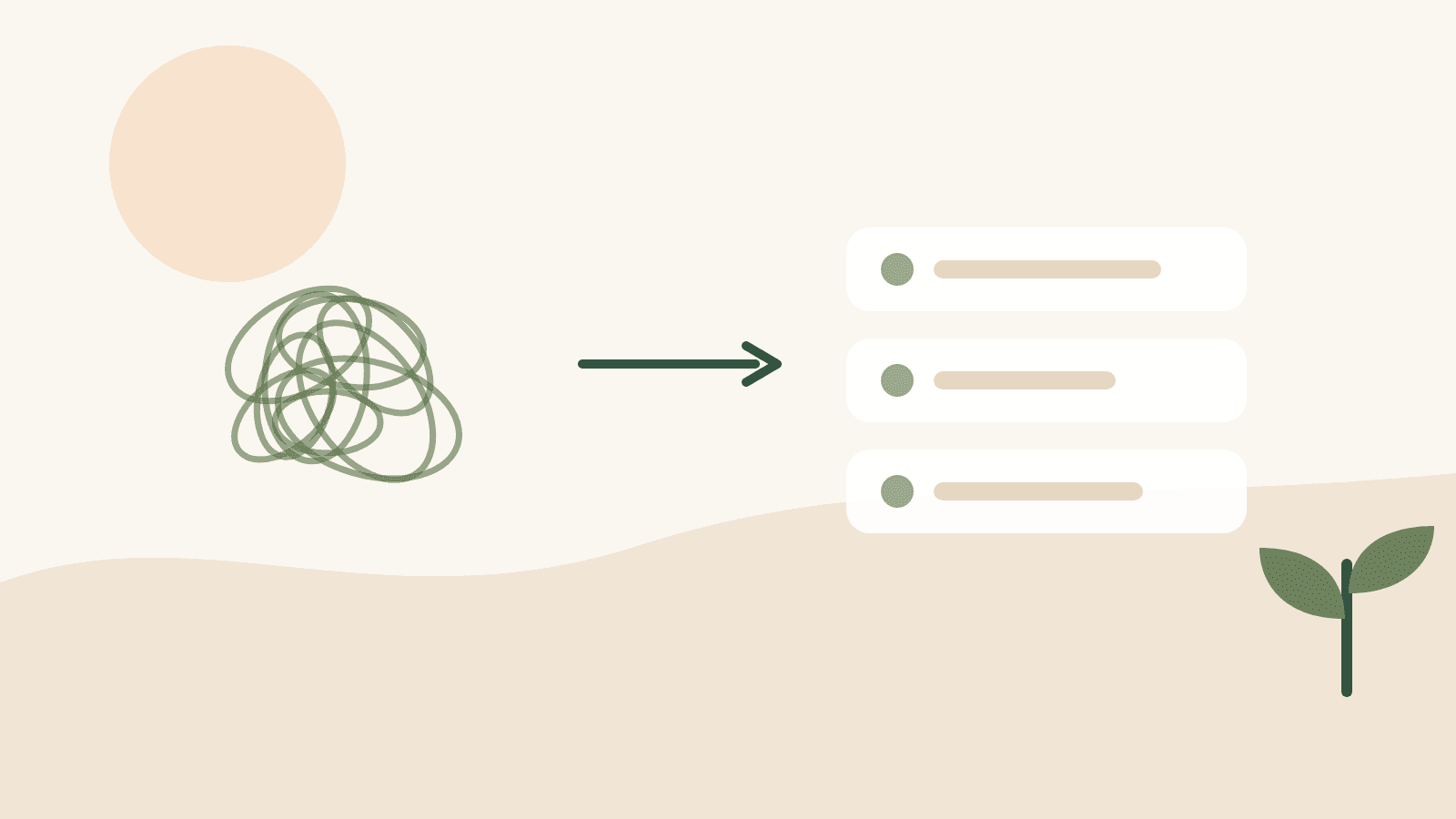
Put it all down, in whatever order it arrives
One box. Type it, say it out loud, or photograph a list you already scribbled. It does not have to be tidy and it does not have to be in order — getting it out of your head is the whole job.
Gaveki reads it and proposes a list. Nothing is saved until you have seen that list and said yes.
Choose
Three things, not thirty
Pick up to three you are actually doing today — or let Gaveki pick, and it tells you what it went on. Everything else goes to Later, which is not a graveyard and not a reproach.
Change them at 2pm. Nothing scolds you.

One next move
Not a ranked list. One thing, and why it is that one
Choosing was already the hard part, so Gaveki does it: one task, and a sentence explaining the reason — a deadline, a size, the fact that you have moved it four times.
Too big? Ask it to break the task down, or to pick something else. Neither costs you anything to say.
Focus
A room to work in, and a timer that expects you to move
Five minutes, forty-five, a length of your own, or no timer at all if a countdown is the thing you came here to get away from. Pick the room you want behind it.
Add five more, pause, or stop early — finishing early still counts as done.

Cozy Bedroom

Warm Café

Bright Study Room

Forest
Four of 8. These are the rooms in the product, not pictures of them.
When it is too much
Say what is in the way, and get one thing back
Some days the list is the problem. Rescue takes whatever you can manage to say — typed, spoken, pasted, photographed — and gives you one realistic thing. Never a list handed back with checkboxes on it.
Nothing is saved unless you say so. You can open it, look at it, close it, and have changed nothing.

The things you repeat
Morning and evening, without a streak to break
Short checklists you run when they help and ignore when they do not. Ticking one off today leaves it unticked again tomorrow, with nothing to reset and nothing keeping score.
Nothing in a routine can ever become your next move.
Small wins
Proof you got things done
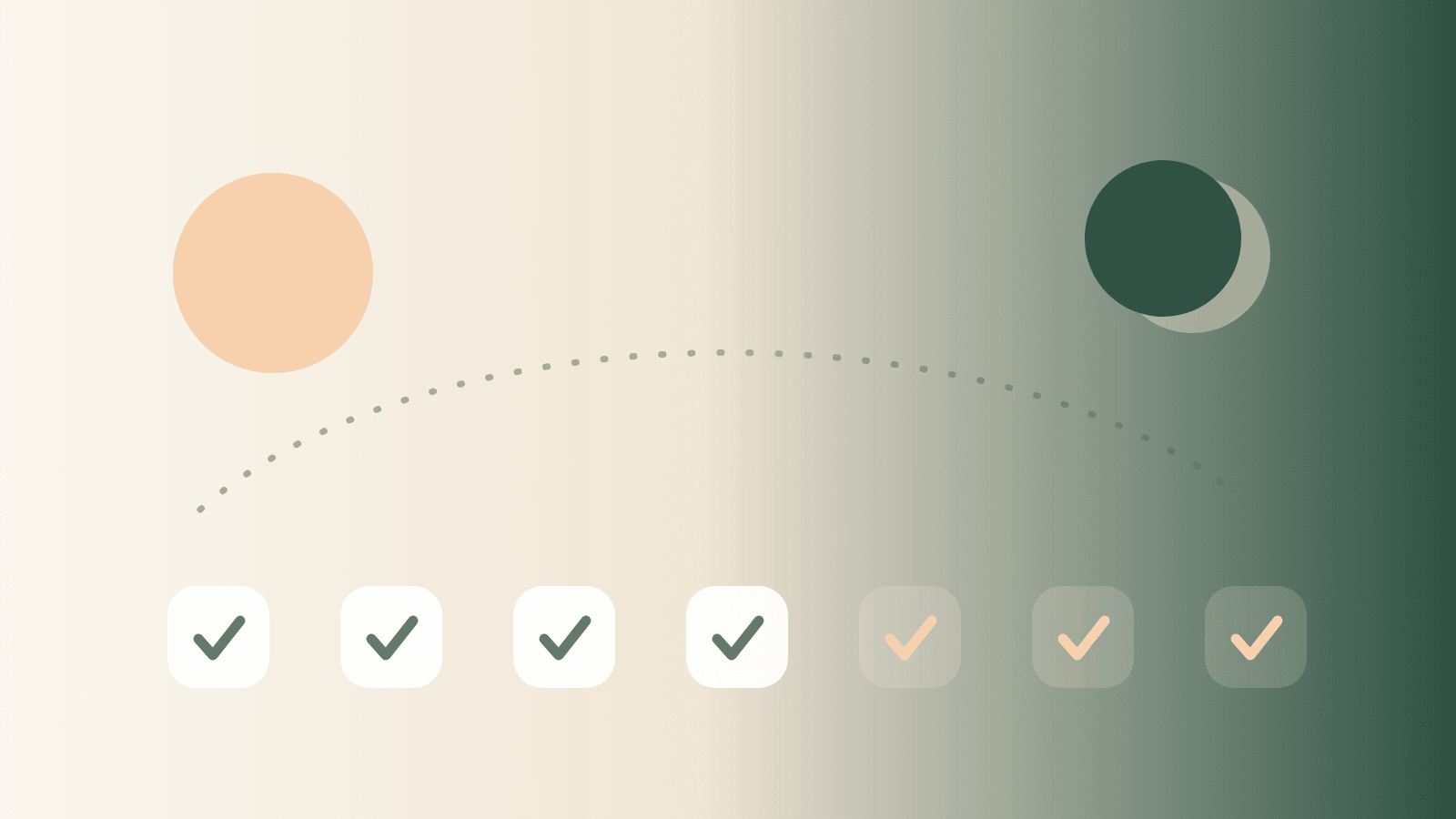
What you finished, the time you actually focused, and the days you showed up. Plus a private list of the wins Gaveki cannot see — the phone call you had been dreading, the thing you finally said.
There is no streak to break and nothing here turns red.

Feel lighter, keep moving
Come back after three weeks and nothing tells you off
No broken streak, no catch-up screen, no count of what you missed. Gaveki asks whether you would like a fresh start, and that is the whole of it.
Gaveki does not diagnose, treat, cure or prevent ADHD or any other condition, and it is not a substitute for advice from a professional.

The point is the doing, not the list
Most task apps are good at holding everything and bad at telling you what to do about it — so the list grows and the deciding never gets easier. Gaveki is built the other way round. One obvious action per screen, and never more than one thing to decide at a time.
What Gaveki actually does
Type it or say it, anywhere
Every box in Gaveki takes speech as well as typing — the dump, the coach, a task, a search. Spoken words land in the same box and take the same path. Your browser does the transcribing, which on most browsers means it sends the recording to the browser maker's speech service; Gaveki never receives it. The control says so before you press it.
It becomes a list you approve
Gaveki reads the dump and proposes a set of tasks. Nothing is saved until you have seen the list, edited anything that came out wrong, and said yes.
It still works when the AI does not
If the model is unavailable or you have used your allowance, Gaveki splits the dump line by line instead and tells you that is what happened. You are never left staring at a spinner.
One next move, with the reason
Not a ranked list to choose from. One task, and a sentence explaining why that one — because choosing is the part that was already hard.
Too big? Make it smaller
If the next move still feels impossible, ask Gaveki to break it down, or to pick something else entirely. Neither costs you anything to say.
A timer that expects you to move
Five, ten, fifteen, twenty-five or forty-five minutes, a length of your own, or no timer at all if a countdown is the thing you came here to get away from. Add five more, pause, or stop early — the session is yours to change, and finishing early still counts as done.
"I'm stuck" does something
One question about what is making it hard to START — never about you — and three answers that each change the screen: break it down, find the first physical thing to do, or take every other option away and leave one task with one button.
Three things, not thirty
Pick up to three you are actually doing today and lock them in — or let Gaveki pick them, and it says what it went on. Your next move then comes from those three. Change them at 2pm and nothing scolds you.
Morning and evening routines, free
Short checklists you run when they help and ignore when they do not. Ticking one off today leaves it unticked again tomorrow with nothing to reset. Nothing in a routine can ever become your next move. Reminders that arrive with the app closed need the phone app, and the screen says so rather than pretending.
Today and Later, and nothing in between
Two lists. What you are doing today, and everything that is not today's problem. Gaveki sorts them by what your tasks already say, and one tap moves anything either way — no deleting, no explaining yourself.
Tell it how much time you have
Optional, three taps, and never in your way: how long you have got, your energy, how you are feeling. Gaveki stops offering the two-hour job when you said fifteen minutes. It stays in that browser tab and is never saved to your account.
Proof you got things done
What you finished, the time you actually focused, and the days you showed up in the last week. There is no streak to break and nothing here turns red.
Works before you make an account
Dump, next move and focus all work signed out, saved on your device. Sign in when you want the list to follow you to another one, and what you already wrote comes with you.
Follows your system's light or dark setting
Warm paper by day, warm charcoal at night, chosen by your device rather than by another setting for you to find.
Make it yours
Twelve faces and six covers, or none at all
Pick a look that is not a grey circle. Choosing not to put your face in a productivity app is a real choice here, with a real result rather than a blank.
Your brain dumps, tasks, notes and moods stay private. Nothing is shared anywhere.



GAVEKI Pro
Keep GAVEKI thinking with you all day.
Free is enough to see that Gaveki works. Pro is for the rest of the day — every time your head fills up again, Gaveki is still there to decide what you do next.

Free and Pro
Free
Get unstuck and experience your Next Move.
The whole loop, every day. Dump what's in your head, get one next move with the reason it picked that one, and start. Nothing here is a trial that ends.
No card needed.
Pro
Keep GAVEKI thinking with you all day.
Gaveki keeps thinking with you as the day goes on, so the fourth time you're stuck is answered like the first.
$14.99 a month — free for 7 days
Free is enough to see that Gaveki works. Pro is for the rest of the day — every time your head fills up again, Gaveki is still there to decide what you do next.
And with it
Somebody to think out loud at
For when the reason you haven't started isn't that the task is too big.
Routines of your own
Morning and evening are free on every plan. Pro is for the ones you invent.
One list is not both of your lives
More than one workspace, so work and home stay separate.
A longer view
Your last thirty days and all-time totals, and a written weekly review of what the numbers say.
Who it's for
Gaveki is designed for people with ADHD, focus difficulties, or the ordinary kind of overwhelm where there is too much to hold and no obvious place to begin. It is a focus tool, not a medical one.





Gaveki does not diagnose, treat, cure or prevent ADHD or any other condition, and it is not a substitute for advice from a professional.